Key takeaways
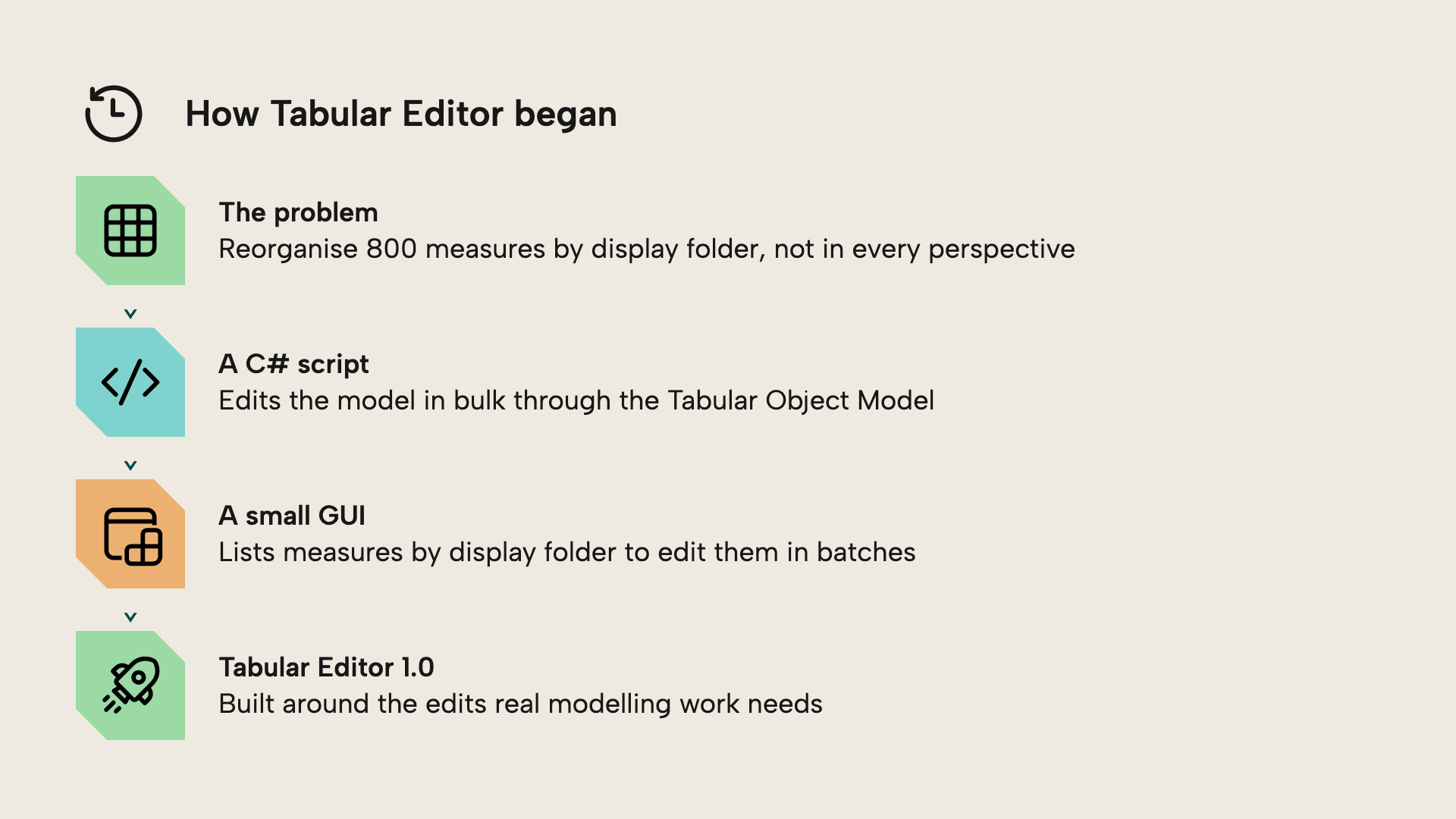
- Tabular Editor started as a one-off C# script: In 2016 I needed to reorganize the display folders of 800 measures in a client model, and scripting the Tabular Object Model was the only safe way to do it.
- A repeated need turned that script into a tool: When more batch edits followed, I pieced together a small GUI that listed measures by display folder, and that became Tabular Editor 1.0.
- This blog is where the deeper discussion lives: New releases are still announced on GitHub, but here I can write up useful scripts, the Best Practice Analyzer, version control, and the thinking behind the tool.
This summary is produced by the author, and not by AI.
Some background history
Tabular Editor is growing. It’s time to start blogging.
It all started back in August 2016, when I was challenged with maintaining a large tabular model with more than 50 tables, and over 800 measures. One day, my client asked me to update the display folder structure of half the measures in the model. Initially, I considered using some simple search-and-replace of the Model.bim file, but this quickly turned out to be a bad idea, as the change should not affect measures in certain perspectives. I briefly considered using some kind of regex or script to apply the change to the Model.bim file, but quickly realized the futility, as perspective metadata is stored completely separate from the measures themselves.
I realized that I could write a simple C# script that would use TOM to apply the changes. This solved the problem, and it didn’t take too long to write the script, until the next day, when my client once again wanted me to change some minor detail on a large number of objects. At this point, I realized that changes like this were bound to happen often, so I pieced together a simple GUI, that would list all the measures in the model by display folder, to make it easier to apply changes in batches. Soon thereafter, release 1.0 of Tabular Editor was announced on my company’s website.
Features that I actually needed
New features were added to Tabular Editor whenever I encountered a Tabular modelling task that seemed ineffective in SSDT. I had the pleasure of doing lots of Tabular development at my job, and I enjoy coding C# / WinForms in my spare time, so it was the perfect opportunity to flesh out the tool, and design it in a way that would (hopefully) be useful for every SSAS Tabular developer. I also enjoyed lots of early feedback from colleagues, who suggested awesome features such as undo/redo support, batch renaming, automatic formula fix-up, etc. No doubt that my colleagues felt the same way about SSDT as myself.
In general, my feeling is that the tool is well received among developers that already have Tabular modelling experience using SSDT. Most likely, they have also encountered some of the limitations of SSDT, especially when working with larger models, and they could quickly adopt Tabular Editor to fill these gaps in their workflow.
However, the tool is probably not well-suited for first time Tabular developers, as the UI doesn’t really do a lot in terms of “guiding” the user through the development and modelling process. In fact, some tasks may even be less productive in Tabular Editor, than in SSDT (try to add a new Data Table based on a query – Data Columns need to be manually created and mapped to source columns in the current version). When using Tabular Editor, you will no doubt encounter features and functionality that doesn’t make sense for your workflow, or basic features that are downright missing. When you do, don’t hesitate to post an issue on GitHub, and I will be happy to look into how the tool can be improved.
Also, if you’d like to contribute, don’t hesitate to clone the project and submit pull requests, or reach out on Twitter if you would like to become a collaborator on the GitHub project.
More details on the project structure, cloning and building the project, etc. will follow in a separate blog post.
For further reading
- Tabular Editor 3 documentation (Tabular Editor). The current documentation covers the modelling, scripting, and automation features that grew from the early tool described here.
- Best Practice Analyzer (BPA) rules for semantic models (Tabular Editor). An introduction to BPA rules, mentioned in this post.
- Microsoft's tabular metadata API (Microsoft Learn). Microsoft's docs on TOM, the API the very first batch-edit script was built on.
In conclusion
Tabular Editor grew out of a real modelling problem, and it kept growing as more of those problems showed up in my day-to-day work. This blog is the next step: a place to share the scripts, the Best Practice Analyzer patterns, and the version-control practices that the tool makes possible, along with the reasoning behind them. If you use Tabular Editor and have ideas or run into gaps, I would love to hear from you.
See what today's Tabular Editor 3 brings to semantic modeling.
Give Tabular Editor a spin